
Enrol and pay
Step 1 — Enrol
- Tap "WhatsApp to enrol" on any course page, or WhatsApp +6012-385 7564 (Ren Ren Learning Center) directly.
- Tell us the student’s name and which month you want to start.
- We register the student and open an account for you.
Step 2 — Set up the SYNOREX TUITION app
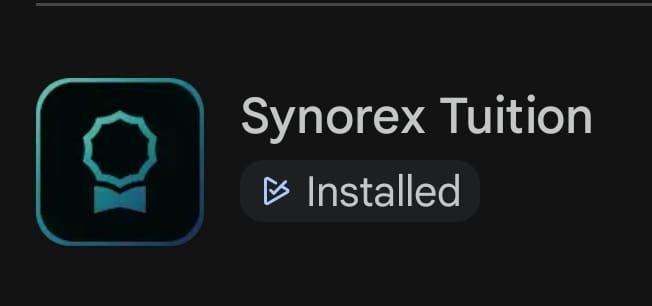 This is the app to look for.
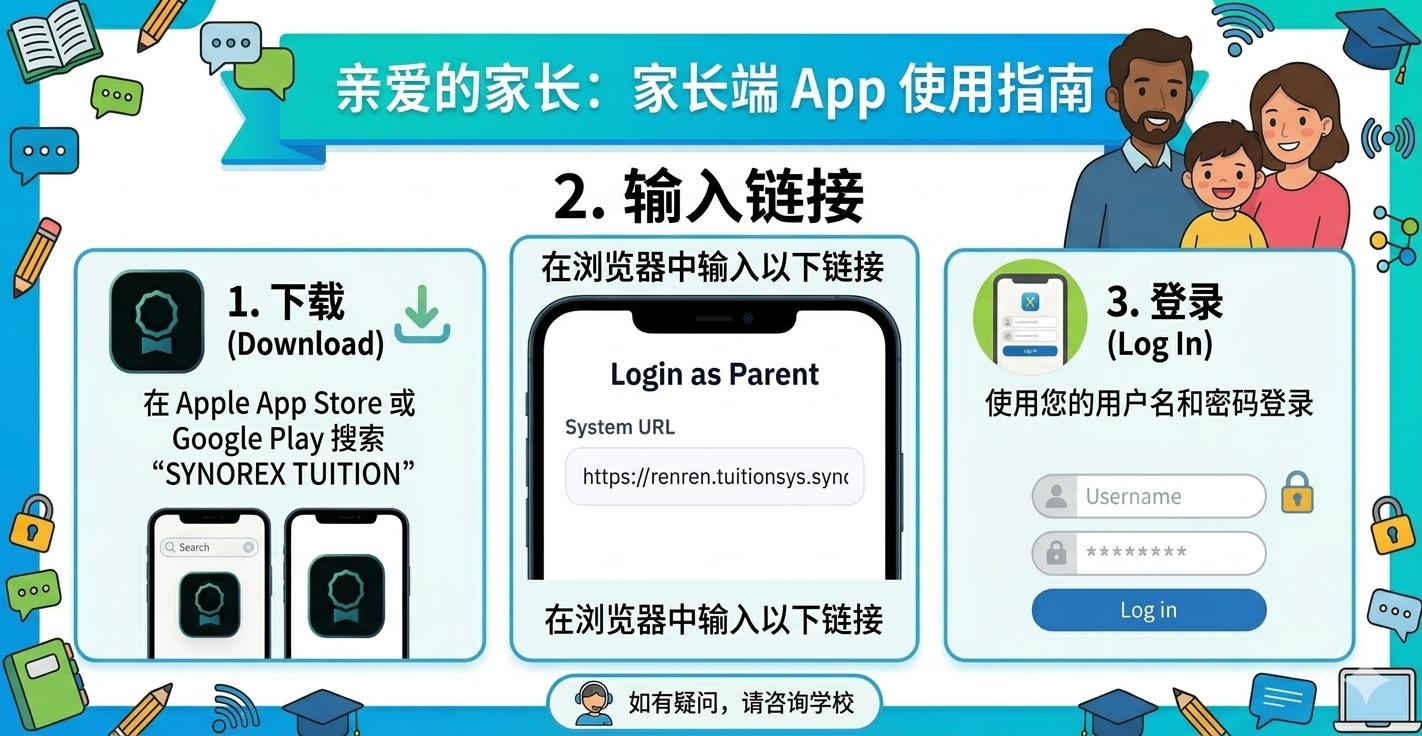
- Search for SYNOREX TUITION on the Apple App Store or Google Play and install it.
- When the app asks for a System URL, enter:
https://renren.tuitionsys.synorex.work/ - Sign in with the username and password we give you.
Step 3 — Pay
- Open the SYNOREX TUITION app.
- Tap Payment.
- Check the outstanding balance.
- Transfer the amount from your own banking app.
Step 4 — Attend class
- Once payment is received we add you to that course’s WhatsApp group.
- Everything you need for class is sent to that group:
- The Zoom link for every session
- Worksheets as PDFs
- The recording after each class
- Classes are taught live by the teacher on Zoom. Missed one? The recording goes to the group, so it can be watched any time.
Any questions, WhatsApp +6012-385 7564 (Ren Ren Learning Center).